USAGE
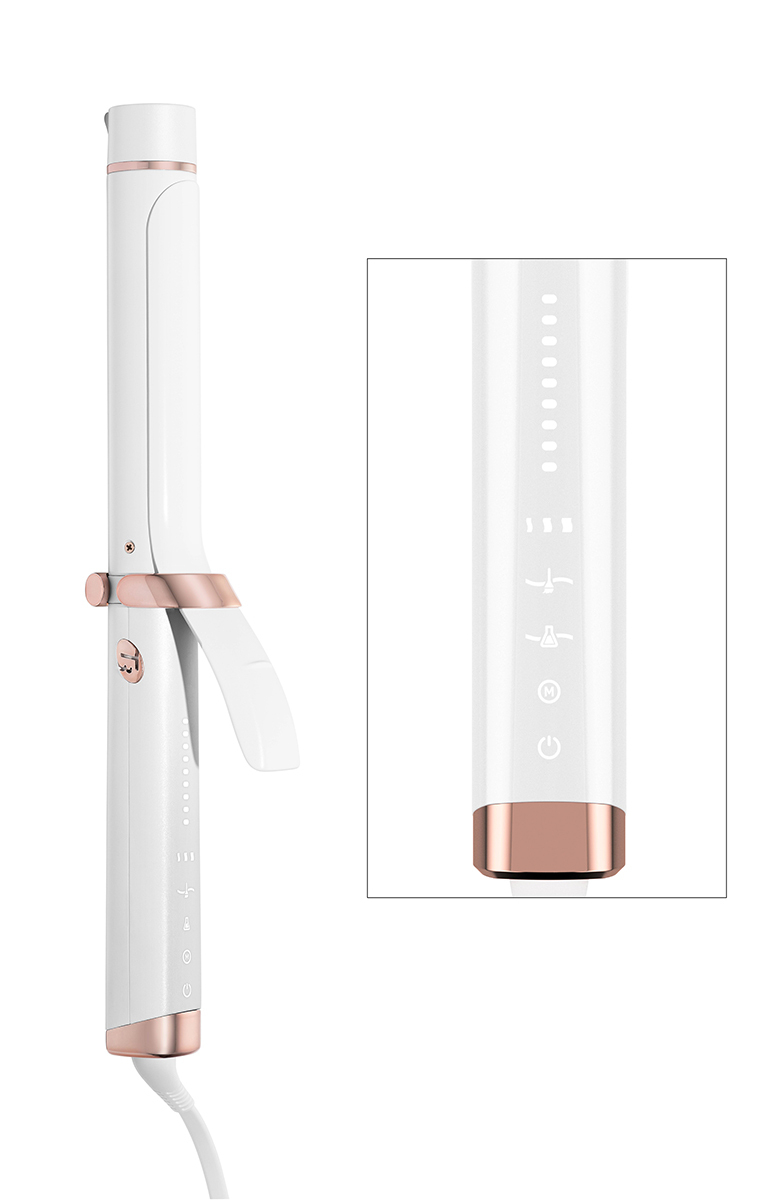
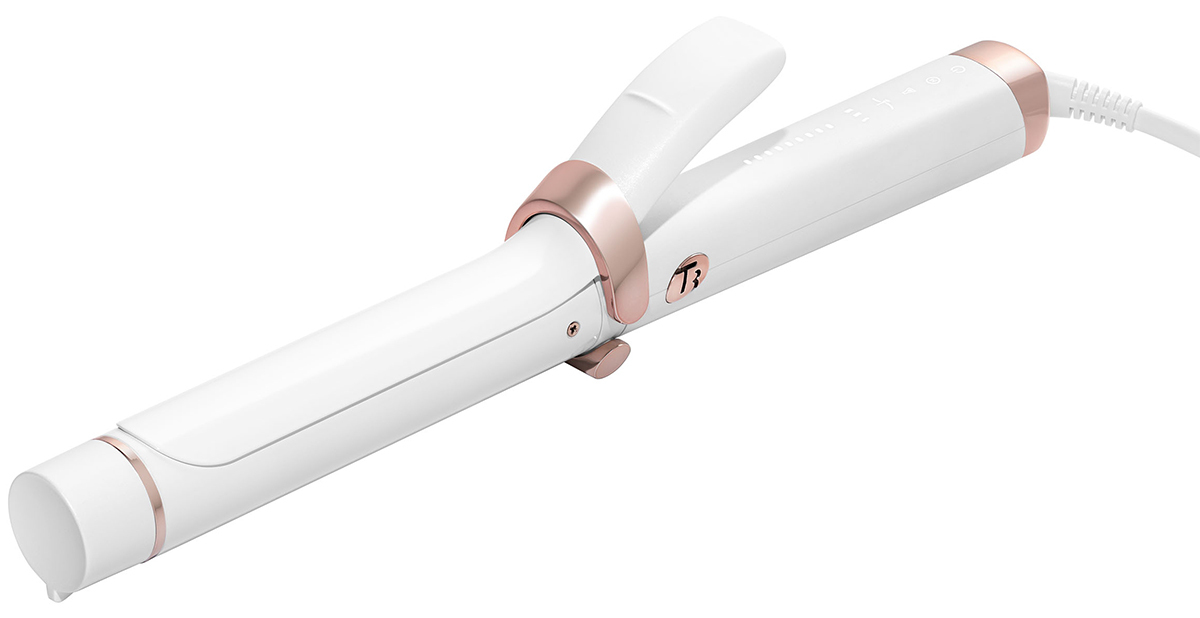
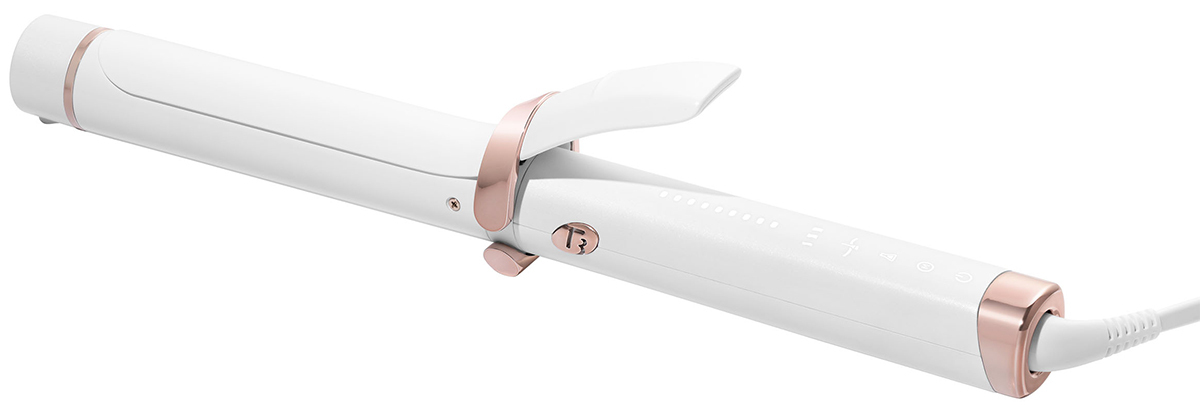
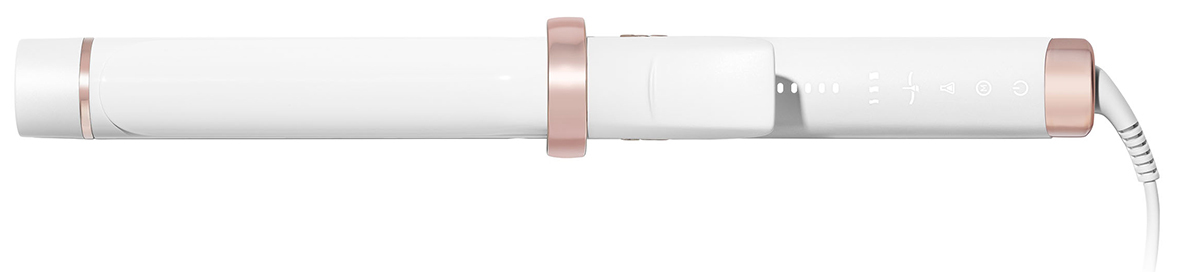
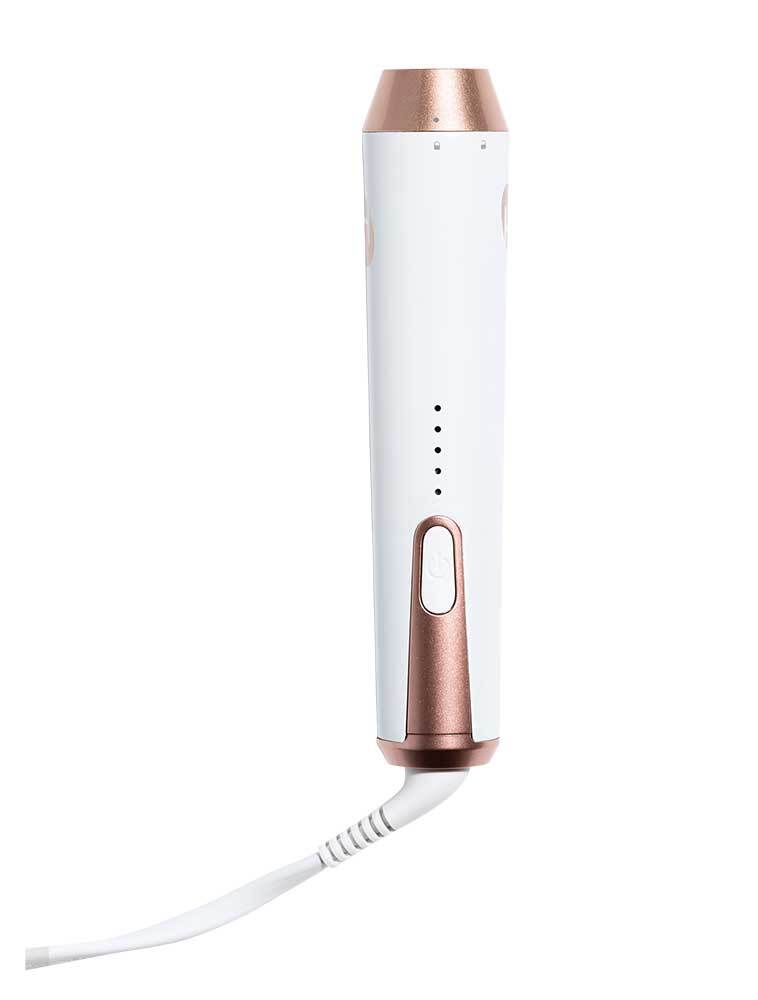
- Power On/Off: To turn on, press and hold the illuminated power button until the device vibrates and the lights go up. To turn off, first unlock the device by quickly double-tapping the power button. Then press and hold the power button until the device vibrates and the lights run downward. Note: The power button will light up when the unit is plugged in, but it will not heat up until it is turned on.
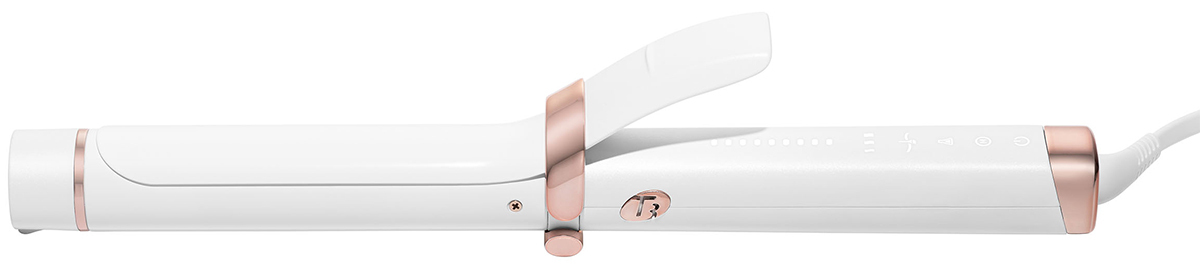
- Set your HeatID profile: tap each HeatID icon to cycle through the settings and enter your HeatID profile: Hair Texture (fine, medium, coarse), Color Treatment (color treated or not color treated), and Chemical Treatment (chemically treated or not).
- After the first tap, the icons will stop flashing and become brighter to indicate the appropriate selection.
- Save your HeatID profile: tap the power button twice to save your profile. The curling iron will begin heating.
- Ready to style: once the curling iron beeps and the lights stop flashing, it is ready to use.
- Manual mode: if you prefer to set your own temperature, switch to manual mode. Tap the power button twice to unlock the control panel. Tap the manual mode icon. All nine LEDs will light up and the HeatID icons will disappear.
- Adjust temperature: Tap the upper area of the temperature display to increase the temperature, or tap the lower area to decrease the heat. Save heat setting: tap the power button twice. The curling iron will begin heating. Once the curling iron beeps and the light stops flashing, it is ready for use.