USAGE
Step 1: Prepare the Skin – Begin with freshly cleansed, dry skin. Removing surface oils and impurities allows the laser wavelengths to reach the skin more effectively for optimal performance.
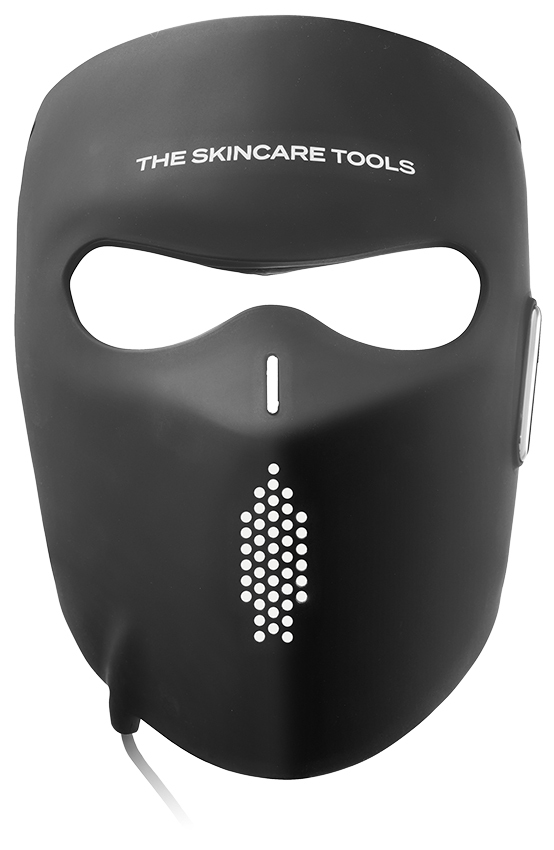
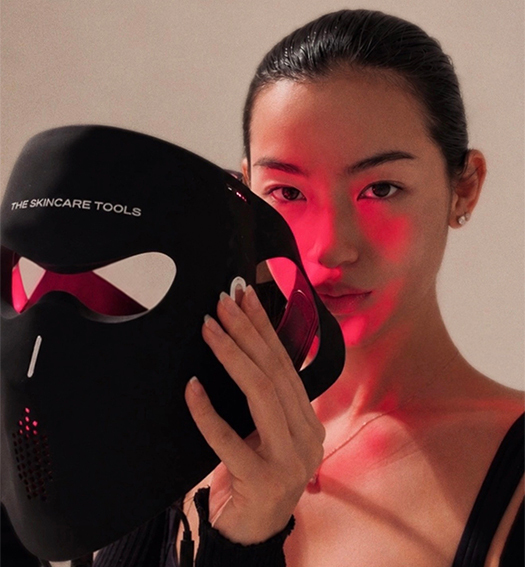
Step 2: Fit the Mask – Position the 4D Pro Laser Light Therapy Face Mask comfortably over the face. The flexible 4D ergonomic design contours securely to the natural structure of the face for even, full-face coverage.
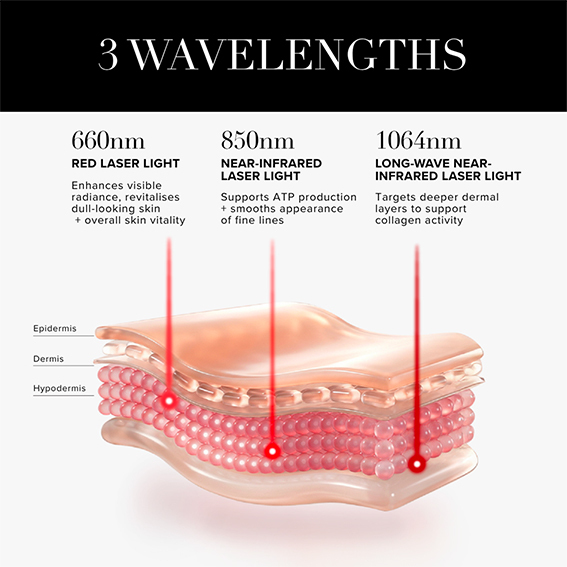
Step 3: Select Your Intensity Level – Power on the device and select your preferred intensity level using the controller (50%, 75% or 100%). Three specific wavelengths (660nm, 830nm, and 1064nm) are combined into a single session - no need to select individual wavelengths.
Select either Constant Light Mode or Pulsing Mode. Pulsing Mode supports enhanced cellular response, collagen stimulation, and overall skin performance while helping minimise excess heat build-up for a more comfortable treatment experience.
Step 4: 10-Minute Laser Session – Relax while the mask delivers concentrated laser energy across the skin through 270 advanced Focus Laser Light Therapy light points. The device features a built-in 10-minute auto-timer with voice-guided prompts for effortless, consistent treatments.
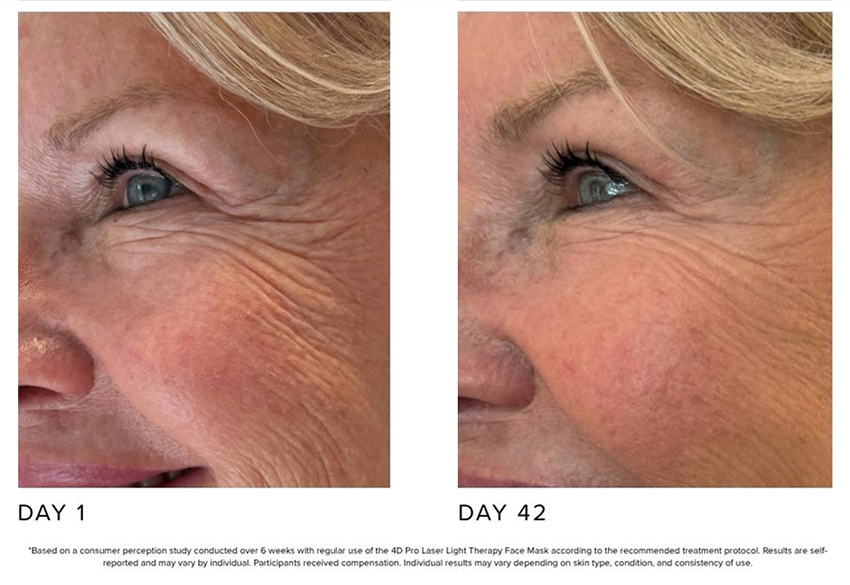
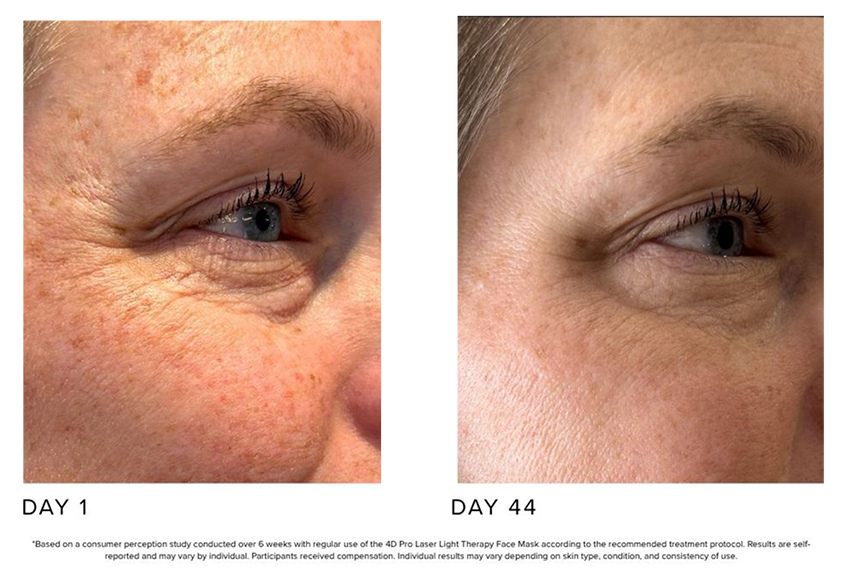
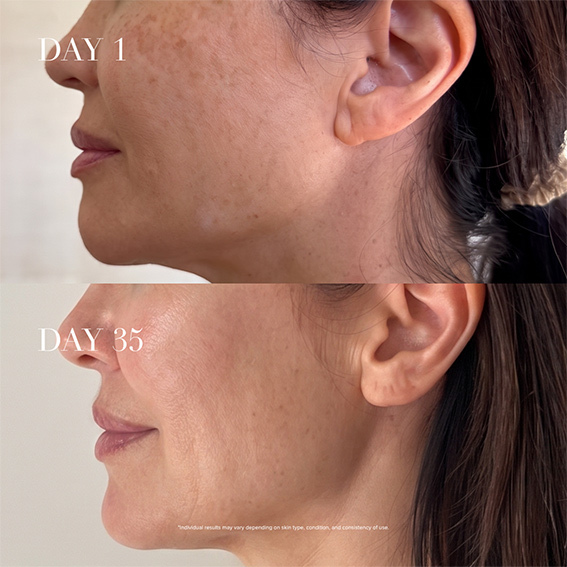
Advanced laser wavelengths support collagen activity, cellular renewal, ATP production, and overall skin performance while helping reduce the appearance of fine lines and visible skin fatigue.
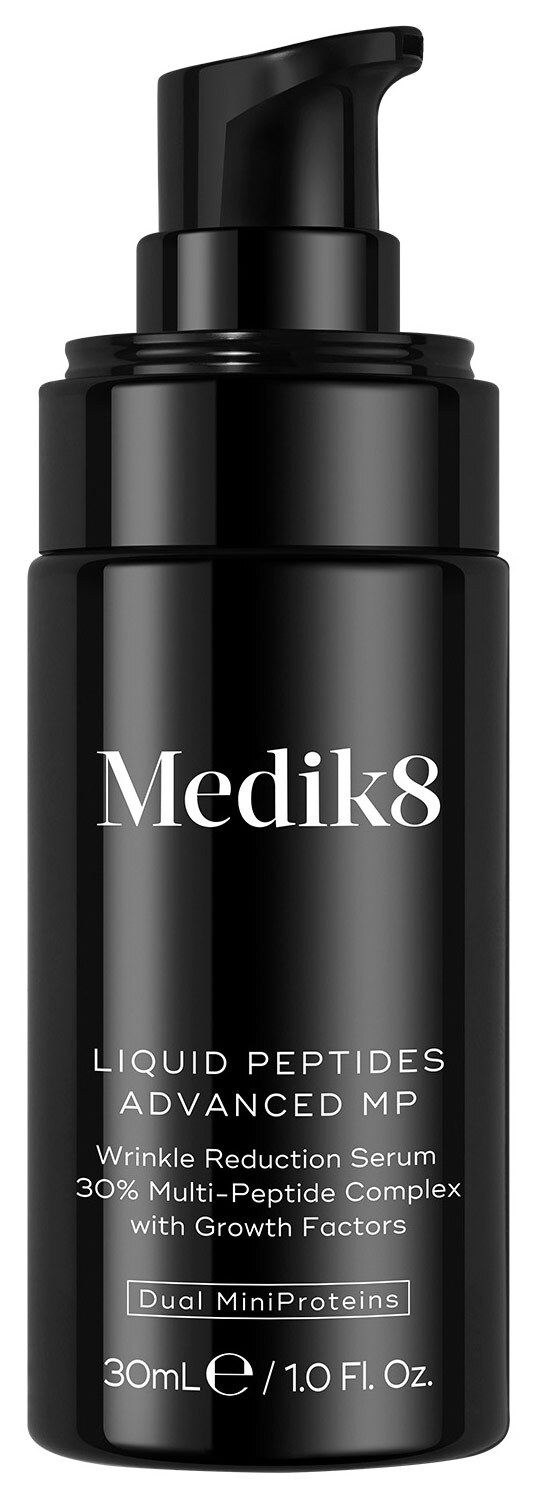
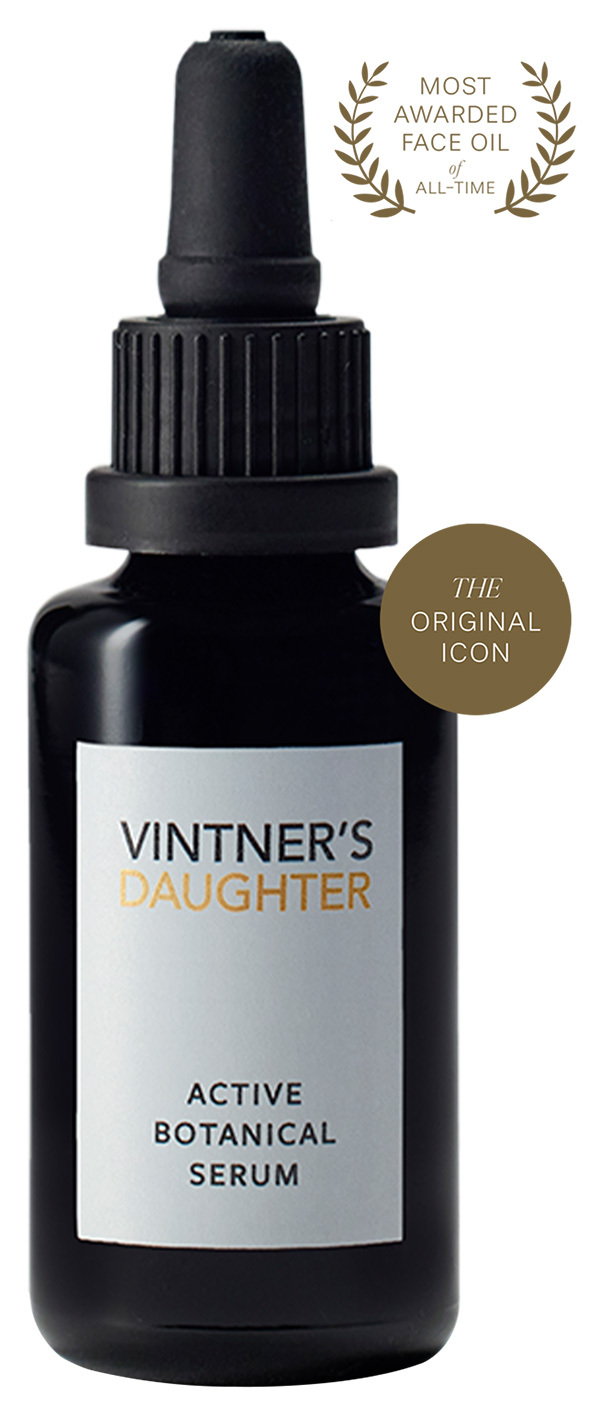
Step 5: Continue Your Routine – After the session, remove the mask and continue your routine with your serum, moisturiser, or SPF.
Step 6: Clean the Device – Gently wipe the mask with a soft, damp cloth after use to maintain device hygiene.